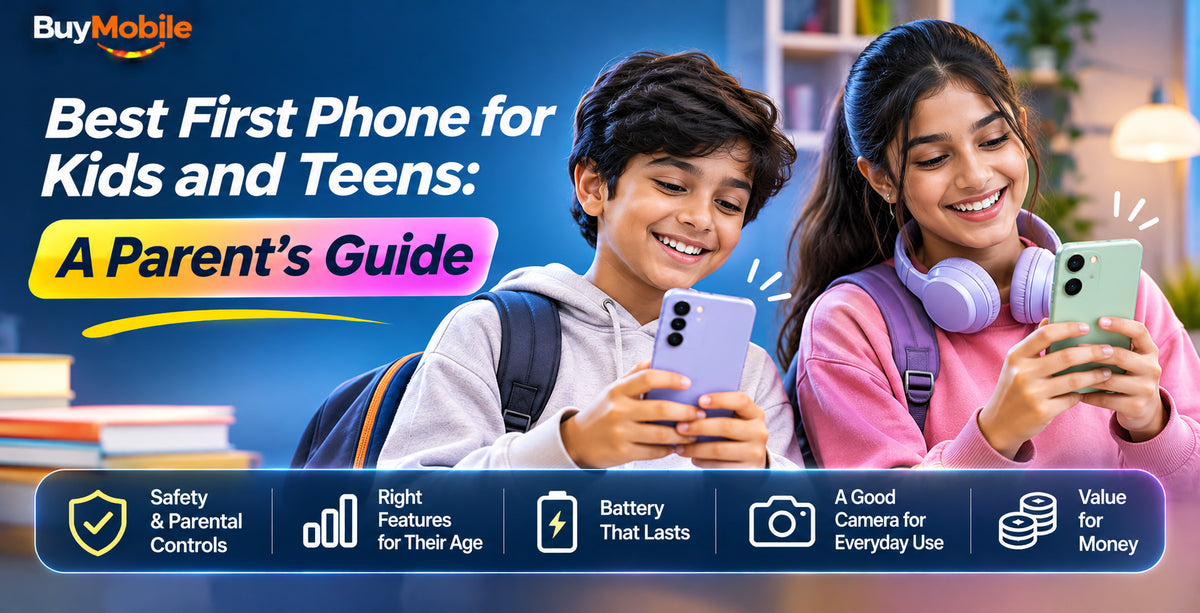
The best phone for kids is usually not the newest or most expensive one. For most families, the right first phone is an affordable, durable handset with long software support, solid parental controls and a battery that survives a school day. For younger kids, a simple 4G Android phone is plenty. For teens, a mid-range 5G phone that will last through the high school years is often the smarter buy.
Here is what matters, which models suit each age, and how to set things up safely.
What to Look for in a First Phone
Before comparing models, it helps to get clear on priorities. Kids are hard on phones, and they rarely need flagship power.
- Price you can live with losing: Phones get dropped, left on buses and sat on. Buy something you could replace without heartbreak.
- Software support: Security updates keep the phone safe. Look for several years of promised updates so the phone stays secure until they outgrow it.
- Battery life: A phone that dies at lunchtime is no help when they need to call for a lift.
- Parental controls: Google Family Link on Android and Screen Time on iPhone let you manage apps, screen time and location sharing.
- Network compatibility: Australia's 3G networks have been switched off, so the phone must support 4G calling (VoLTE) on your carrier.
Best Phones for Younger Kids (Around 8 to 12)
For a first phone, simple and sturdy beats feature-packed. The main jobs are calls, messages, location sharing and perhaps a few approved apps.
The Samsung Galaxy A07 is a sensible starting point. It is an entry-level 4G phone with a large screen and a big battery, and Samsung has promised six years of Android OS updates for it, which is unusual at this price. It handles messaging, video calls and school apps comfortably.
If you would like a little more storage and a slightly more capable phone, the Samsung Galaxy A17 steps up to 128GB, which leaves more room for photos and apps as your child grows. Both are 4G models, which is perfectly fine for kids who mostly use the phone for staying in touch.
Best Phones for Teens (Around 13 to 17)
Teenagers will use their phone for much more: school work, photos, music, group chats and navigation. A mid-range 5G phone with a good camera and long update support is worth the extra spend because it will last several years.
The Google Pixel 10a is one of the best choices here. It has a bright 6.3-inch 120Hz screen, a 5,100mAh battery, IP68 water and dust resistance and seven years of OS and security updates. Its camera is excellent for the money, and Google's Family Link controls are built right into Android.
The Samsung Galaxy A57 is another strong pick. It has a 6.7-inch AMOLED display, a 5,000mAh battery and IP68 protection, which is a first for Samsung's A series in years. Samsung promises six OS upgrades and six years of security updates, so it should stay supported well beyond Year 12.
What about an iPhone?
If the rest of the family uses iPhone, sticking with Apple makes Screen Time, Family Sharing and Find My very easy to manage. The trade-off is cost, as iPhones are a bigger investment for a phone a teen may drop. You can browse current models in our iPhone range.
Quick Comparison
| Phone | Best for | Network | Water resistance | Update promise |
|---|---|---|---|---|
| Galaxy A07 | First phone, younger kids | 4G | Not IP68 rated | 6 OS updates |
| Galaxy A17 | Kids needing more storage | 4G | Not IP68 rated | Multi-year support |
| Pixel 10a | Teens, great camera | 5G | IP68 | 7 years |
| Galaxy A57 | Teens, big screen | 5G | IP68 | 6 OS updates |
Setting Up Parental Controls
A phone's built-in tools do most of the heavy lifting. Set them up before you hand the phone over.
- Create a child account: On Android, set up the phone with a supervised Google account through Family Link. On iPhone, add your child to Family Sharing.
- Set app approvals: Require your approval for new downloads and purchases.
- Schedule downtime: Lock the phone overnight and during school hours, while keeping calls to parents available.
- Turn on location sharing: Both platforms let you see where the phone is, which is handy for pick-ups.
- Add a case and screen protector: Cheap insurance against cracked screens. See our accessories.
Social Media Rules in Australia
Since 10 December 2025, major social media platforms including TikTok, Instagram, Snapchat, Facebook, YouTube and X must take reasonable steps to stop under-16s from holding accounts. Messaging apps such as WhatsApp and Messenger, YouTube Kids and many online games are not currently covered. The eSafety Commissioner's website has the up-to-date list, and it is worth talking with your child about which apps they can use.
FAQ
What age should a child get their first phone?
There is no single right age. Many families choose the start of high school, when kids travel more independently, while others start earlier for safety reasons.
Is a 4G phone okay for kids in 2026?
Yes. 4G with VoLTE is fully supported on Australian networks and is plenty fast for messaging, calls and video.
The Bottom Line
For younger kids, a simple, affordable phone like the Galaxy A07 covers the essentials. For teens, the Pixel 10a or Galaxy A57 offer a better camera, 5G and years of updates. Pair the phone with a prepaid SIM to cap spending, and check the supported 4G and 5G bands listed on each BuyMobile product page. Every BuyMobile phone also comes with a one-year Australian seller warranty. Whichever you choose, set up parental controls on day one and talk openly about how the phone will be used.
Shop at BuyMobile: Google Pixel 10a | Samsung Galaxy A57 | Cheap Phones