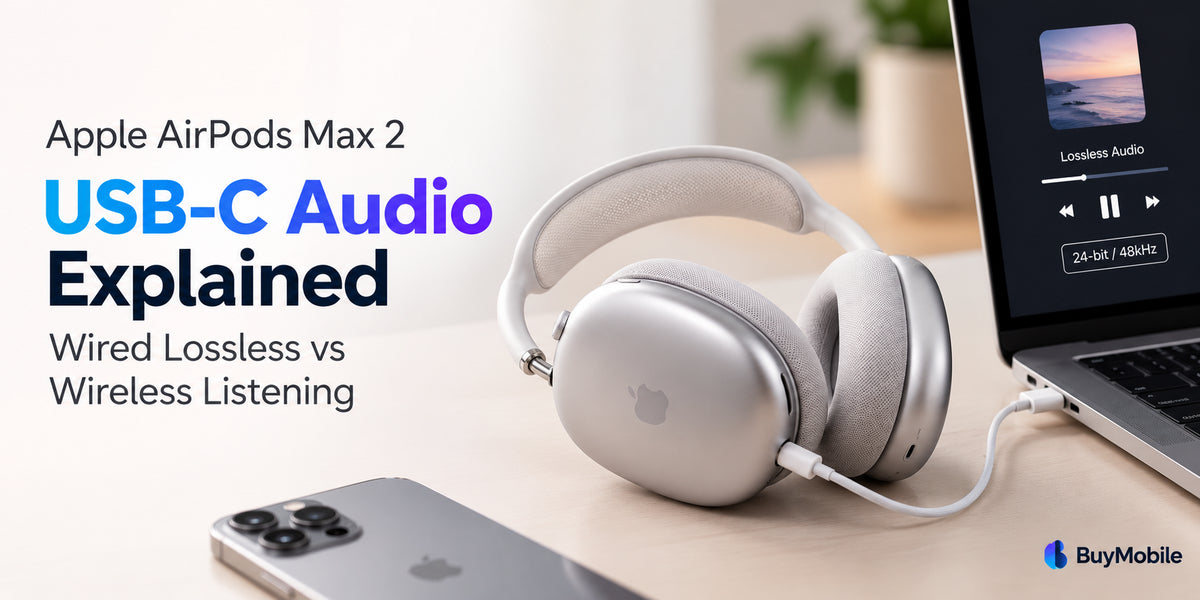
The Apple AirPods Max 2 bring premium sound quality, advanced Active Noise Cancellation and improved connectivity to Apple's over-ear headphone range. One of their most interesting features is the ability to enjoy lossless audio through a USB-C connection.But does wired listening actually sound better than Bluetooth? And is USB-C audio worth using for everyday music, gaming and entertainment?The Apple AirPods Max 2 support both wireless Bluetooth listening and wired USB-C audio, giving users flexibility depending on their needs.In this guide, we'll explain how USB-C audio works, the difference between wired lossless and wireless listening, and which option is better for different situations.
What Is USB-C Audio on Apple AirPods Max 2?
USB-C audio allows the AirPods Max 2 to receive digital audio directly from a compatible device using a cable.Instead of transmitting music wirelessly through Bluetooth, the audio signal travels through a physical USB-C connection.Apple includes a USB-C charging cable with the AirPods Max 2, which also supports compatible wired digital audio connections.When connected to a supported iPhone, iPad or Mac, the headphones can deliver lossless audio at up to 24-bit/48kHz.This makes USB-C particularly interesting for music enthusiasts, content creators and users who want high-quality audio reproduction.However, the connected device, application and audio source must also support the required format.
What Is Lossless Audio?
Lossless audio is a digital audio format that preserves the information contained in the original audio recording without the quality reduction associated with lossy compression.Traditional Bluetooth audio commonly uses compressed formats to transmit music efficiently.Lossless formats preserve more of the source audio information, making them useful for high-quality music playback and professional audio work.Apple Music supports lossless streaming using Apple Lossless Audio Codec, commonly known as ALAC.With compatible equipment, listeners can enjoy music without the additional compression associated with standard Bluetooth playback.However, lossless audio does not automatically guarantee a dramatic improvement in sound quality.The difference depends on the recording, listening environment, individual hearing and audio equipment.
AirPods Max 2 Wired Lossless Audio: How Does It Work?
The AirPods Max 2 support 24-bit/48kHz lossless playback through a compatible USB-C connection.
To use wired lossless audio:
-
Connect the AirPods Max 2 to a compatible iPhone, iPad or Mac using the included USB-C cable.
-
Make sure your device and headphones have the latest available software.
-
Open Apple Music or another supported audio application.
-
Enable lossless audio in the application's audio-quality settings.
-
Play a compatible lossless recording.
On a compatible iPhone, Apple Music's lossless settings can be found under Settings > Apps > Music > Audio Quality.Once configured, the headphones can receive high-quality digital audio directly through USB-C.For users who enjoy detailed recordings, this provides an alternative to wireless listening.
Wireless Listening: How Does Bluetooth Audio Compare?
Bluetooth remains the most convenient way to use AirPods Max 2.The headphones feature Bluetooth 5.3 connectivity and Apple's H2 headphone chips, supporting efficient wireless listening and advanced audio processing.Wireless mode allows users to move freely without cables while enjoying music, videos, calls and podcasts.It also supports convenient Apple ecosystem features such as automatic device switching, Siri and compatible Spatial Audio experiences.However, standard Bluetooth audio transmission is not lossless.This means the audio signal undergoes compression before reaching the headphones.For most everyday listening situations, Bluetooth still provides excellent sound quality.The convenience of wireless connectivity often outweighs the potential benefits of a wired connection.
Wired Lossless vs Wireless Listening: Key Differences
| Feature | Wired USB-C | Wireless Bluetooth |
|---|---|---|
| Connection | USB-C cable | Bluetooth 5.3 |
| Lossless audio | Up to 24-bit/48kHz | Not supported over standard Bluetooth |
| Audio latency | Ultra-low latency | Higher, although optimised |
| Freedom of movement | Limited by cable | Wireless convenience |
| Best for | Critical listening, editing, gaming | Travel, commuting, everyday music |
| Audio source | Compatible wired device | Compatible Bluetooth device |
Both modes benefit from the AirPods Max 2's acoustic design and H2-powered processing.The biggest differences are connection method, supported audio quality and latency.
Does Wired Lossless Audio Sound Better?
Wired lossless audio has a technical advantage because it avoids the lossy compression used in standard Bluetooth transmission.This can be useful when listening to carefully produced recordings or examining subtle details in music.For example, listeners may pay attention to instrument separation, background textures and fine changes in vocal recordings.However, whether those differences are audible depends on several factors.A well-mastered recording played over Bluetooth may sound better than a poorly mastered recording delivered losslessly.The listening environment also matters.In a noisy train or busy office, background noise may make subtle audio differences difficult to notice.For critical listening in a quiet room, wired lossless audio is worth exploring.For casual listening, Bluetooth is usually more convenient.
USB-C Audio for Gaming and Video Editing
Another advantage of wired USB-C audio is reduced latency.Latency refers to the delay between an audio event occurring and the sound reaching your headphones.High latency can be distracting during gaming, video editing and music production.Apple supports ultra-low latency audio through the AirPods Max 2's USB-C connection.This helps improve synchronisation between sound and on-screen actions.For example, when editing a video, lower latency makes it easier to align dialogue, sound effects and visual transitions.Wireless performance has also improved, particularly when using supported Apple devices and Game Mode.However, wired audio remains attractive when consistent timing is important.
Are AirPods Max 2 Good for Music Production?
The AirPods Max 2 offer several useful features for musicians, podcasters and content creators.Apple's H2 chip works with a custom high dynamic range amplifier to deliver detailed audio reproduction.The headphones also support wired lossless playback and ultra-low latency audio.Apple highlights their ability to support music creation and mixing with Personalised Spatial Audio and head tracking in compatible Logic Pro workflows.These features make the headphones more versatile for creative applications.However, professional audio production still requires careful monitoring.For critical mixing and mastering, users may also want dedicated studio headphones and reference speakers to evaluate recordings across different listening systems.
Can You Use AirPods Max 2 With a 3.5mm Audio Jack?
Yes, but you'll need a compatible cable.The AirPods Max 2 support wired connections to analogue audio sources through a suitable USB-C to 3.5mm audio cable.This can be useful when connecting to equipment such as an aeroplane entertainment system.However, a 3.5mm analogue connection should not be confused with the supported USB-C digital lossless connection.For the advertised 24-bit/48kHz lossless experience, use a compatible USB-C digital audio connection.Not every USB-C adapter or charging cable necessarily supports the same audio functions.
Battery Life and Everyday Listening
The AirPods Max 2 offer up to 20 hours of listening time with Active Noise Cancellation enabled, according to Apple.A five-minute charge can provide approximately 1.5 hours of listening time under Apple's test conditions.The headphones also include a Smart Case that helps preserve battery charge by placing them into an ultra-low-power state.For everyday use, Bluetooth is particularly convenient when travelling, exercising lightly or moving around the home.Wired USB-C is more suitable when you're sitting at a desk, editing content or listening closely to music.Having both options makes the AirPods Max 2 adaptable to different situations.
Which Listening Mode Should You Choose?
Choose wired USB-C lossless audio if you prioritise the highest supported digital audio quality, lower latency or music production.It is especially useful when working with compatible lossless recordings on an iPhone, iPad or Mac.Choose wireless Bluetooth listening if convenience, portability and freedom of movement matter most.Wireless mode is ideal for commuting, travelling, office work and everyday entertainment.For many users, switching between the two modes provides the best experience.